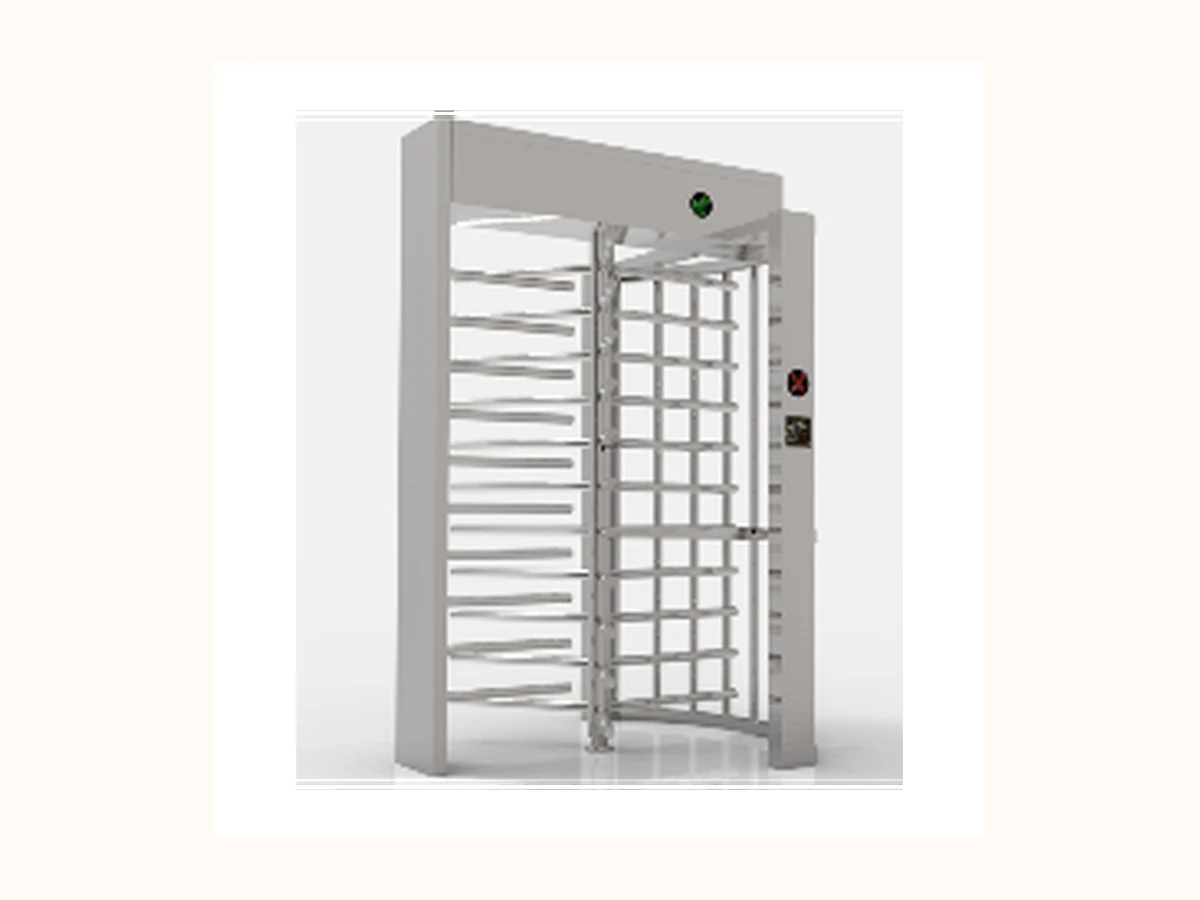
 Alibaba catalog representative visual
 Buyer Resource Request
Bosiny Global Product Catalog
First attachment for distributors, integrators and qualified project buyers after basic inquiry screening.
This page explains how buyers can request this resource for project evaluation. Bosiny shares controlled files only after product scope, language, disclosure level and privacy checks are confirmed.
Document Use
Catalog PDF
First attachment for distributors, integrators and qualified project buyers after basic inquiry screening.
Request Path
How buyers receive this resource
This resource is not offered as an open public download. Buyers should request the matching catalog, datasheet, certificate image or preparation file through the confirmed email or WhatsApp path.
global-product-catalog · Available after project inquiry
Sharing Checks
What Bosiny confirms before sharing
Each item is checked before the file is shared with a buyer. Certificates, wiring guides, factory photos and project media need additional applicability and redaction checks.
- Approved public model names
- No pricing or MOQ
- Image rights confirmed
- Version date added
Product Evidence Routing
Match this resource to approved product visuals
Use only product-family visuals that passed the public image gate. Where an exact model image is not cleared, this page may show a clearly labelled catalog representative visual for buyer orientation; model evidence and rights remain controlled.
Alibaba catalog representative visual 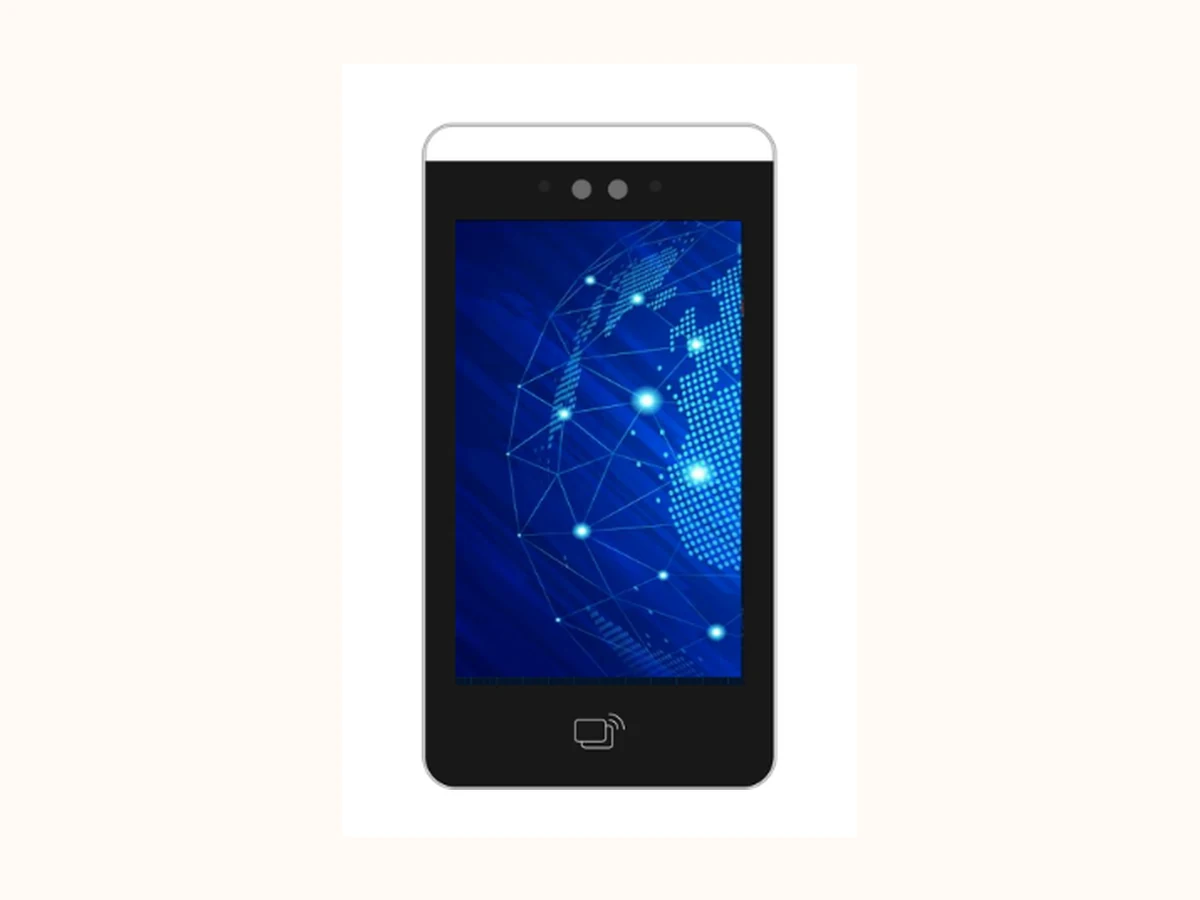 Alibaba catalog representative visual
 Access Control / Face Recognition
Identity, reader and privacy-review evidence path
Open product routeBuyer role routing
Who should request this resource
Bosiny uses the request context to confirm why a buyer needs a document before sharing controlled files. Use the role below in the first email or WhatsApp message so Bosiny can send the right catalog, datasheet, certificate image or factory evidence without exposing uncontrolled downloads.
Pre-filled resource request email: Send the request reference, buyer role, country, project scenario, product family and intended document use in one sales-ready message. Prepare resource request email
Request this pack for catalog comparison, channel training or first-round product selection.
Use it to compare product families before sharing site conditions and integration needs.
Ask for the matching documents when preparing an access-control project brief.
Resource Request Brief
Information to include when asking for buyer documents
| Field | Purpose |
|---|---|
| Request reference | global-product-catalog |
| Resource type | Catalog PDF |
| Related families | Turnstile Gates · Barrier Gates · LPR Parking System · Access Control |
| Access level | Available after project inquiry |
| Source page | /resources/assets/global-product-catalog/ |
Use confirmed direct channels for asset requests. Buyers should contact Zack Zhou first; sales can then record the source page and asset ID.