Target audience
Who this guide helps
Software integrators, distributors, project contractors and access control buyers.
Buyer Guide
A safe integration checklist for access control terminals, RFID readers, QR code access and face recognition devices used with turnstile gates and door access systems.
Target audience
Software integrators, distributors, project contractors and access control buyers.
Buyer question
Access control integration checklist, RFID QR face recognition reader, turnstile access terminal.
Selection guide
A credential terminal verifies the user; a turnstile or door controls passage. Good project scoping treats them as connected but different layers.
Face recognition can improve convenience but creates privacy obligations. Public pages should not treat it as a universal default.
Many buyers ask whether a reader can work with an existing platform. The public-safe answer is to request interface details and confirm after engineering review.
Inquiry preparation
These fields help sales and engineering teams identify the product family, solution path and required follow-up proof without exposing sensitive details on public pages.
Related product families
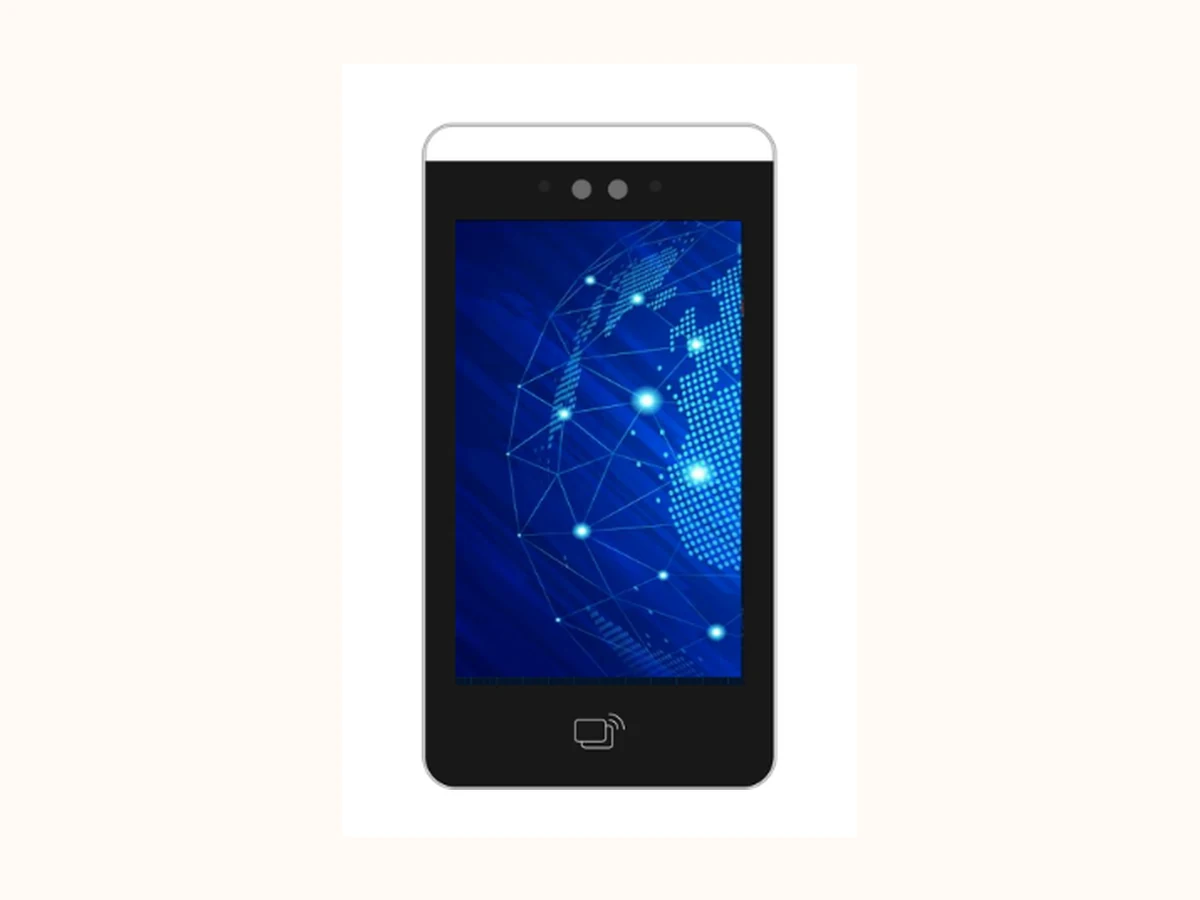 Reviewed core product visual
 Which credential mix is approved: card, QR, PIN, face, biometric or hybrid?
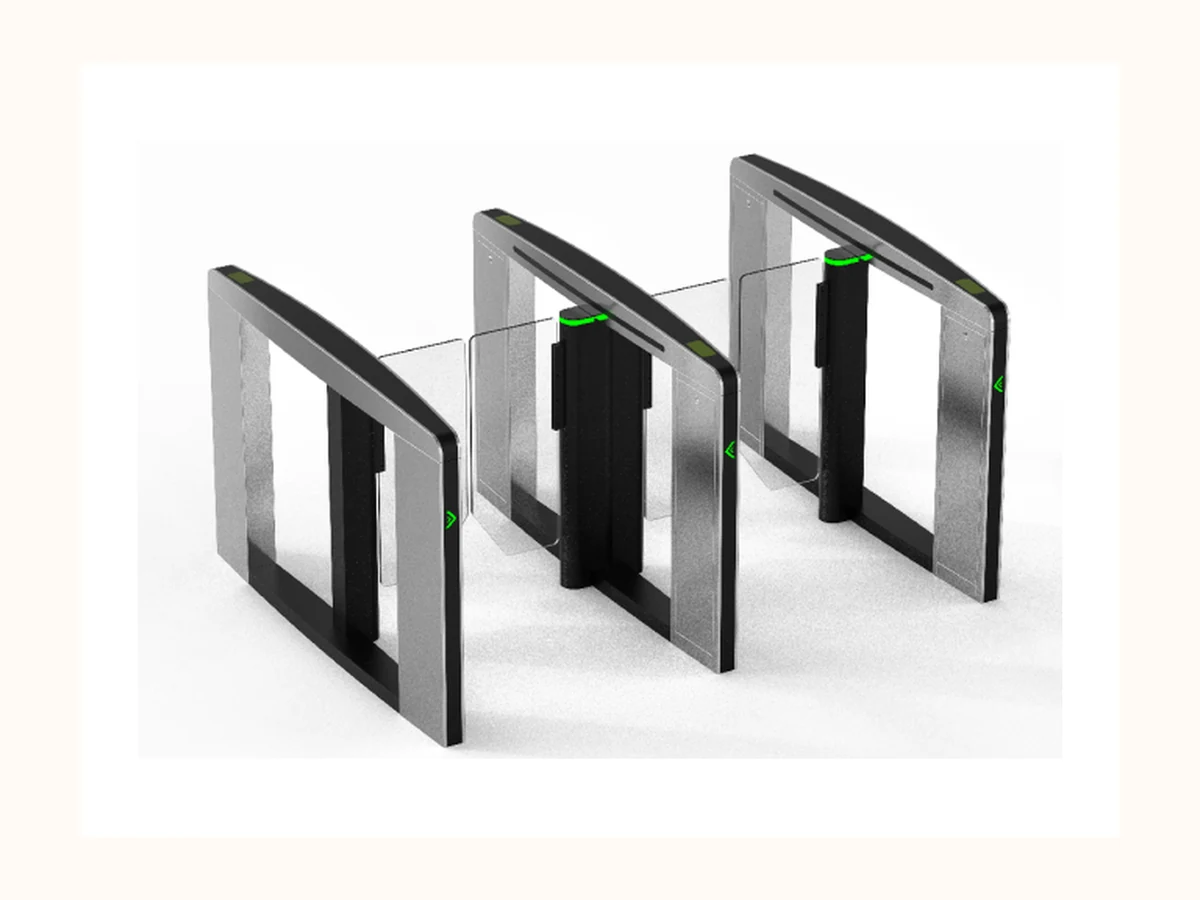 Reviewed core product visual
 How many pedestrian lanes are needed during peak 15-minute traffic?
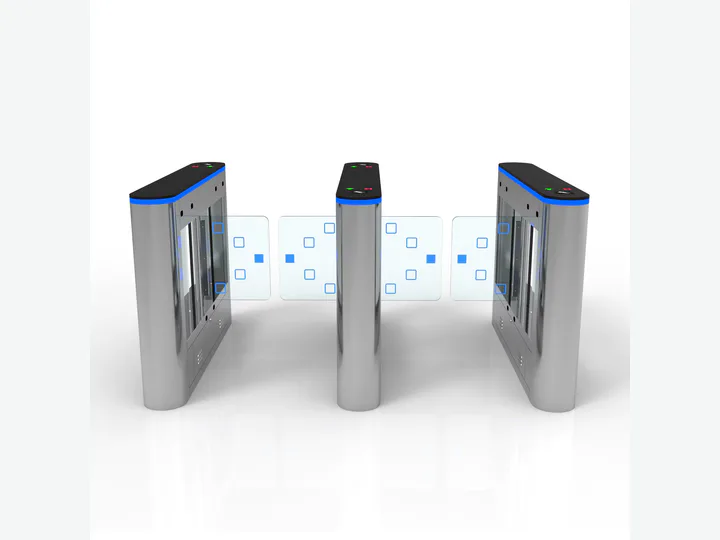 Alibaba catalog representative visual
 What clear passage width and opening radius are required?
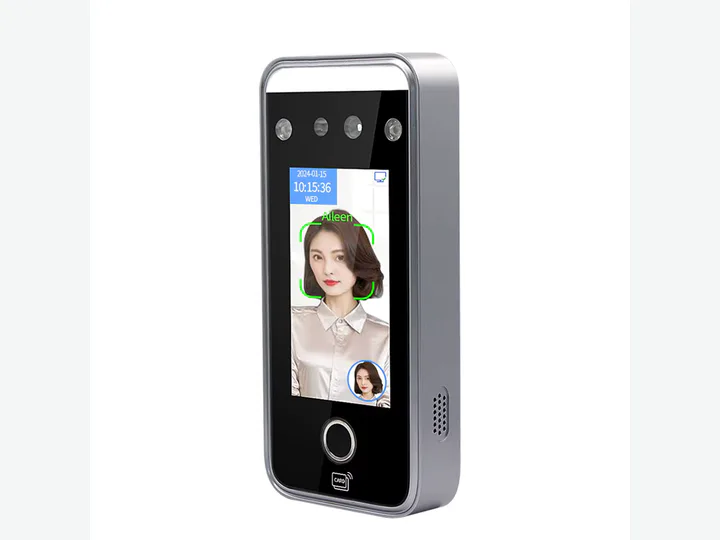 Alibaba catalog representative visual
 Who approves visitors and how long should visitor records be retained?
Media rule: use the four reviewed core visuals only for matching product families; keep buyer-facing media slots empty when no matching image is confirmed.
View Product CenterRelated solutions
FAQ
Hybrid credentials can be useful, but the right mix depends on user groups, privacy requirements, visitor workflow and platform integration. It should be scoped before final device selection.
Not without engineering review. The safe workflow is to collect interface requirements and confirm compatibility after reviewing the project environment.
Biometric templates and real user data are privacy-sensitive. Public pages should only describe the workflow and review boundary, not expose live or sample personal data.